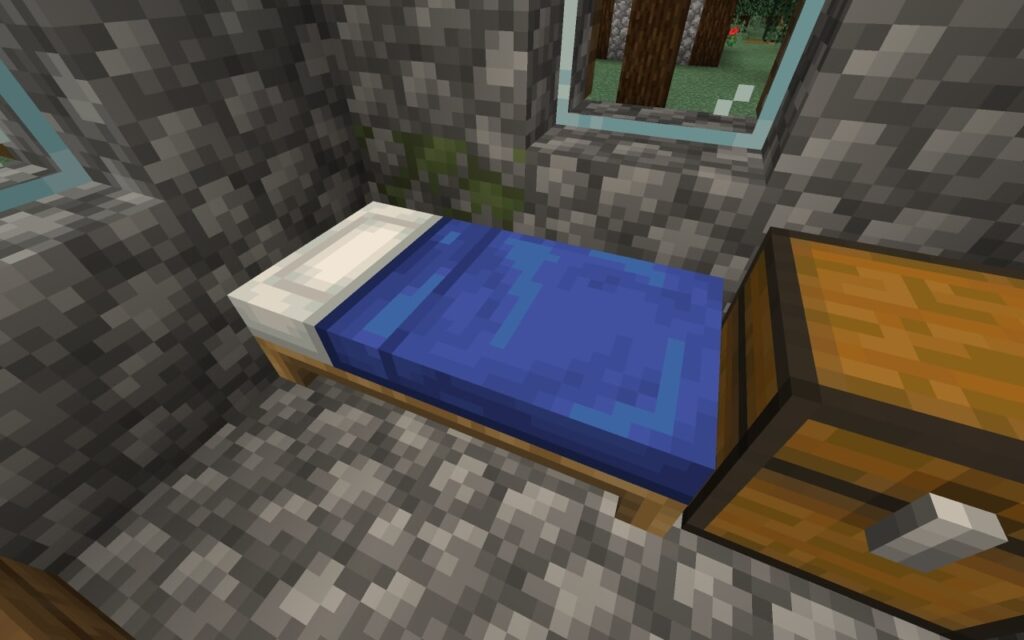
You moved your bed into a nicer room, died underground, and returned to the world’s starting area. The bed exists, but the game was not told to use its new position. Before a long trip, check the respawn point as carefully as the food and tools in your inventory.
This is a preparation guide for ordinary, unmodded Survival play. Hardcore death and server-specific respawn rules are different situations. The route-planning suggestions below are practical recommendations; they are not claims that a particular build was tested in a live world.
Use the bed after moving it
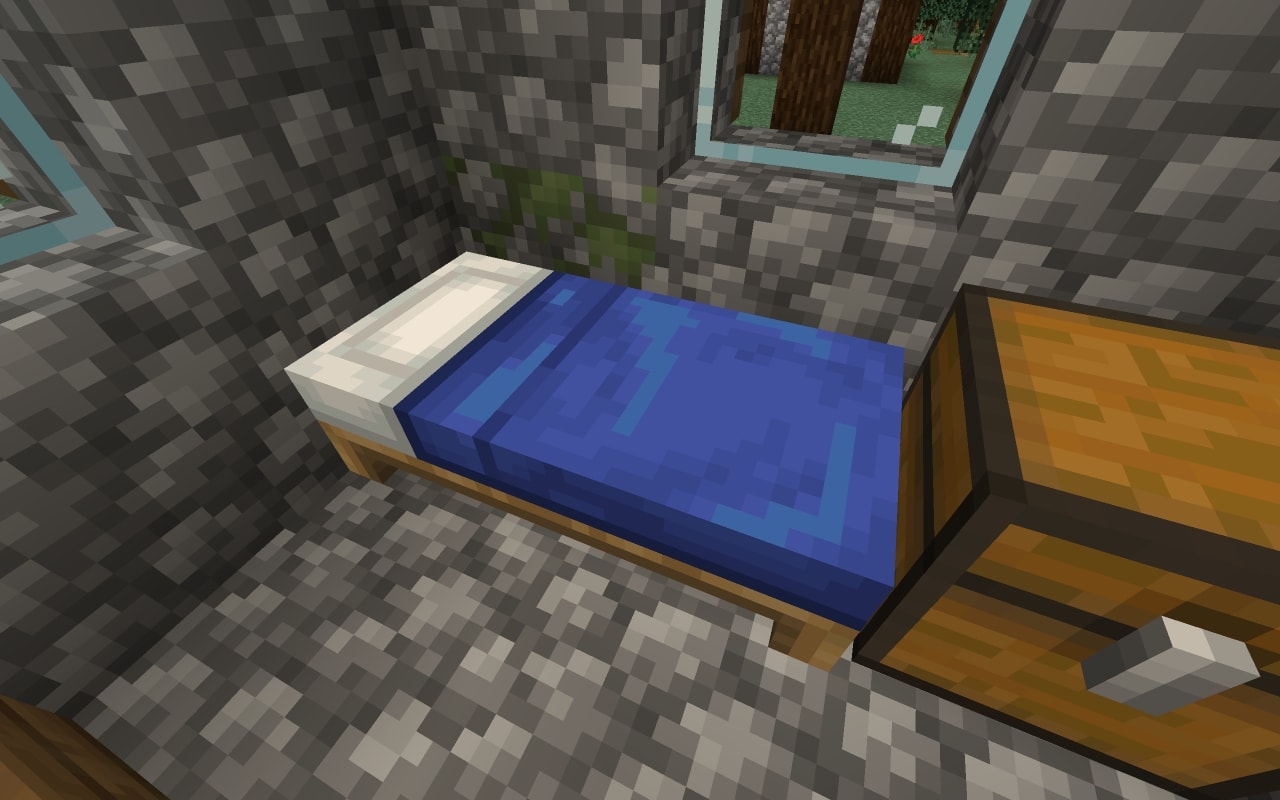
In the Overworld, use the bed and look for the respawn-point confirmation. You can set the point during the day without sleeping through the night. Breaking and relocating the bed does not carry the previous point along with it: use the bed again after placing it.
Make this the last step of a bedroom renovation, not something you plan to remember later. A useful routine is to put the bed in place, clear the immediate area, use it, and then put supplies nearby. Do not deliberately die with valuable equipment just to test the arrangement.
If you are already far from home, choose between keeping your established home point and setting a temporary camp point. Using a camp bed changes where you intend to return. Record the route or coordinates back to the main base before making that choice; a respawn point is not a replacement for knowing where home is.
In the Nether, prepare an anchor rather than a bedroom
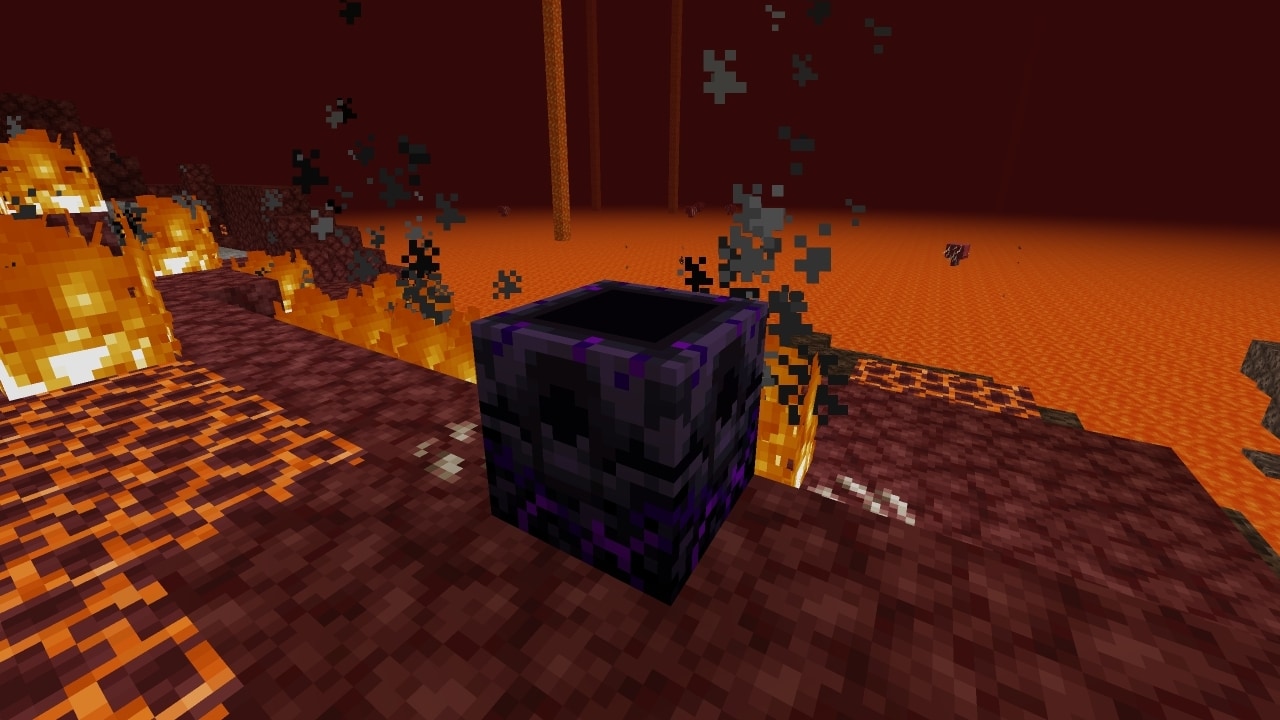
Trying to sleep in the Nether makes a bed explode, as Mojang’s Nether warning makes clear. For a Nether respawn point, use a respawn anchor there. Charge it with glowstone, then use the charged anchor to set the point. Merely crafting or placing the block is not the whole process.
Choose the location before spending time on the decoration. Ask where an empty-handed player would stand, which direction leads to shelter, and whether the route to spare equipment crosses the same hazard that caused the death. An anchor beside an exposed drop can shorten the journey back while leaving the dangerous part unchanged.
Keep track of the resource a respawn consumes
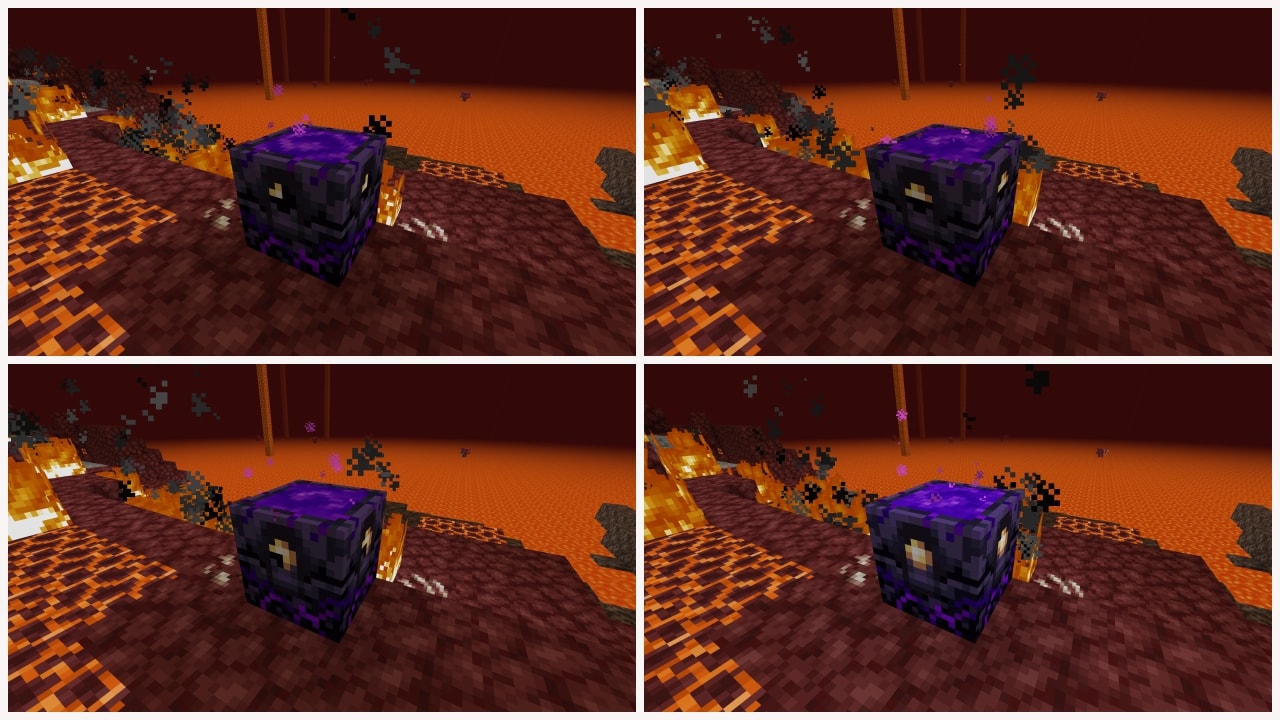
An anchor stores up to four charges and consumes one when you respawn there. An exhausted anchor cannot provide the same return point. Build a charge check into the recovery routine, especially after several failed attempts to retrieve equipment.
Put a modest recovery kit somewhere reachable: food, spare protection, blocks and the tools needed for the route you are attempting. Keep it separate from the valuable loadout you carry on the trip. This is a planning suggestion rather than a required game mechanic, and the right contents depend on what lies between the shelter and your destination.
Before leaving, answer three questions
Where did you most recently set the point? Is that bed still in place, or does that Nether anchor still have charge? Could you safely leave the respawn location without the equipment you are currently wearing? If the third answer is no, improve the shelter and recovery route before extending the expedition.
After a death, identify the reason the return point failed before repeating the trip. A moved bed calls for setting the point again; depleted anchor charge calls for replenishment. Rebuilding the entire base does not solve either oversight more effectively than a short, repeatable departure check.
Independent guide by Quest & Checkpoint. Not an official Minecraft publication; not approved by or associated with Mojang or Microsoft.