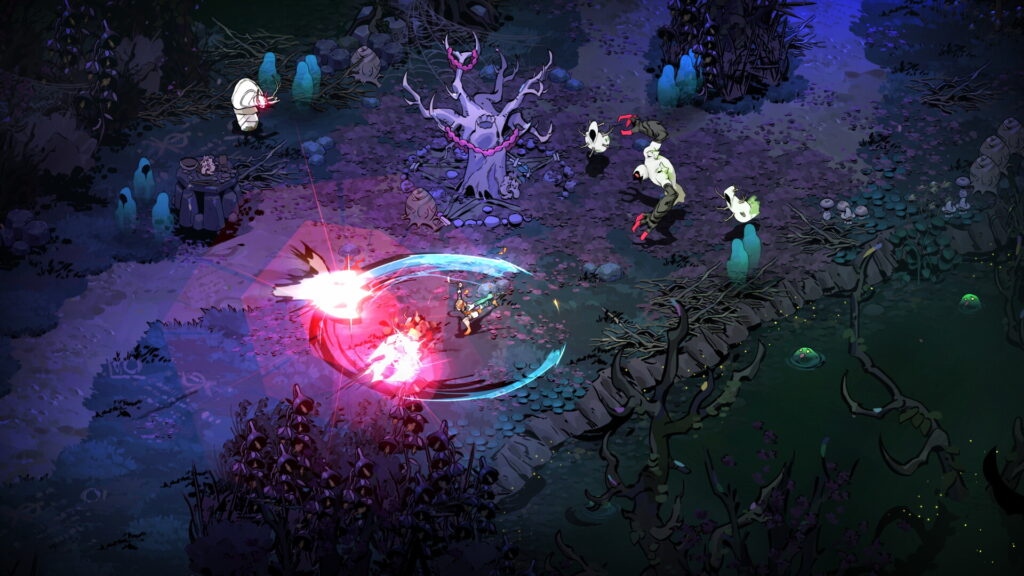
Buying Hades II on a second machine does not automatically make that machine a continuation of your existing save. Before you start another night with Melinoë, check the exact versions you are connecting and decide which copy of your progress you want to keep.
This is a preparation guide for switching devices, not a promise that a lost save can be recovered. The platform support described below was checked on October 3, 2026.
First check the pair, not just the game title
Supergiant’s FAQ supports cross-saves between Nintendo Switch or Switch 2 and the Steam or Epic Games Store versions on PC or Mac. It says cross-saves with other versions are unavailable. In particular, do not read “PC” as a guarantee that every PC storefront belongs to the same supported connection.
Write down both ends before buying a second copy: “Steam on my computer → Nintendo Switch 2,” for example. Compare that pair with the developer’s wording. If your intended pair is outside it, plan for separate progress unless the developer announces otherwise. Owning the same game twice and being able to move one save between those purchases are different questions.
Make your current progress recognizable
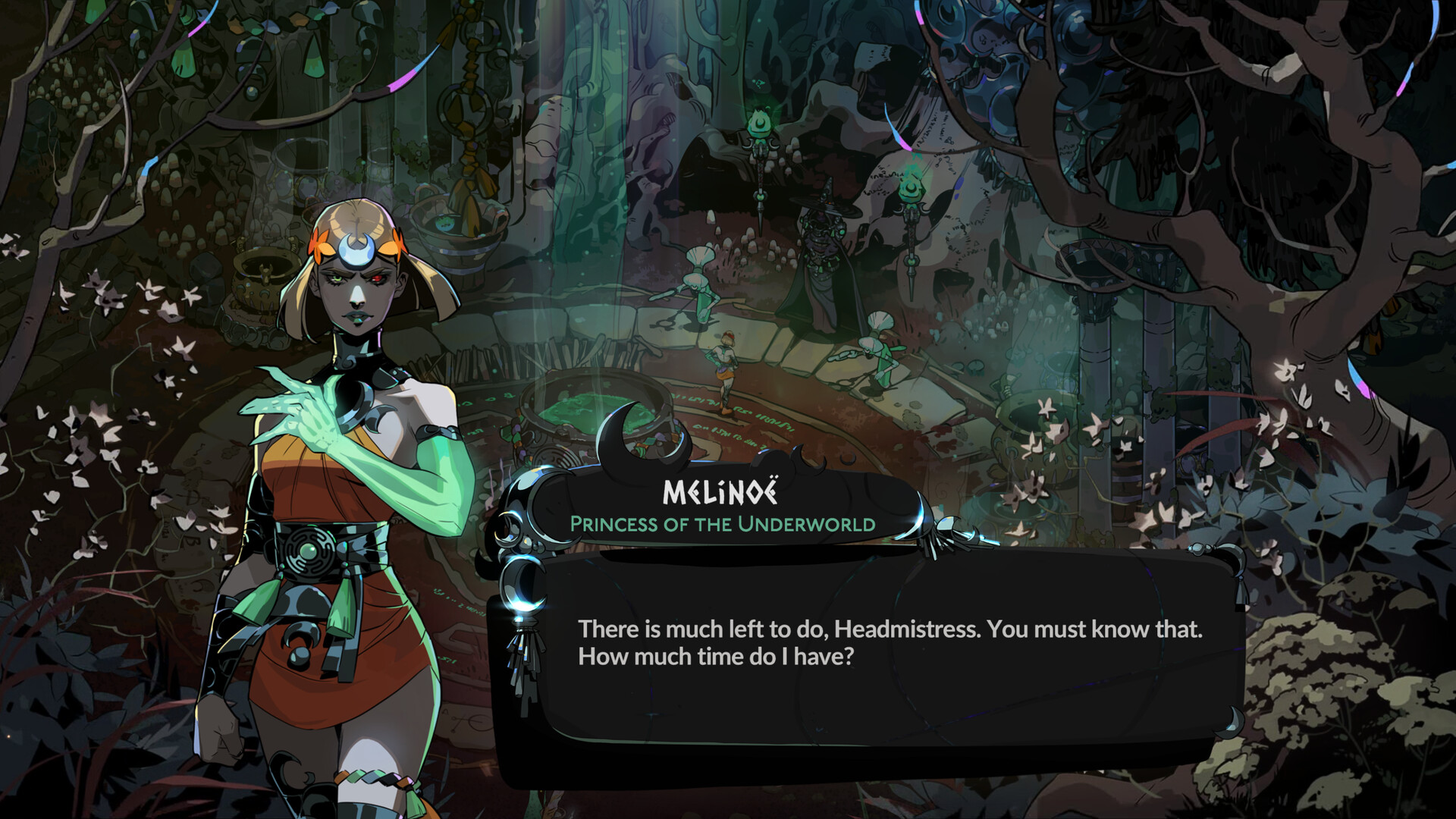
Before switching, take a screenshot of the save information you can see and note the slot you actually use. Add a short private note about the last thing you remember doing. These are comparison aids, not backups, but they give you something better than “the newer-looking one” if a conflict appears.
For a computer backup, Supergiant identifies the Windows save folder as %USERPROFILE%\Saved Games\Hades II\ and the Mac folder as ~/Library/Application Support/Supergiant Games/Hades II/. Our precaution is to close the game and copy the folder to a separately named location before troubleshooting. Copying preserves the original; moving files out of the live folder changes the problem you are trying to diagnose.
For example, name your copy with the date and device, and leave it untouched while investigating. A screenshot helps you recognize progress; a file copy preserves the files. Neither should be confused with confirmation that the other device has received them.
Resolve a mismatch before doing another run
If the destination shows unexpected progress, stop and compare it with your notes before continuing. Avoid advancing both devices independently while you are deciding which save is authoritative. That produces two histories when your goal is to preserve one.
The developer’s technical support guide has a specific procedure for Nintendo cross-saves that do not appear on PC. It deliberately creates a cloud conflict and requires choosing the save with the most progress. It then uses entering a new Location and Sync & Quit to complete the sync. Follow that full procedure only for the matching symptom; creating a fresh save in a populated slot is not a general first step.
Know when to stop troubleshooting
If you cannot confidently identify the correct copy, preserve what you have and contact the developer through the support guide. Include the two platforms, the affected slot, the last device with correct progress and what happened immediately before the mismatch. A concise sequence is more useful than repeatedly signing in, replacing files or starting new runs without recording the result.
The successful handoff is concrete: the destination displays the expected progress, and you can identify the save you intend to continue. Until then, keep the original backup and treat the transfer as unresolved.