A damaged enchanted tool creates two different questions: how can you recover durability, and which enchantments do you want to keep? Choosing a workstation before answering the second question can turn a repair into an unwanted reset.
Start with the enchantment you cannot replace easily
Read the tool’s name, durability and enchantment list. Decide whether you want to preserve its useful effects or strip them and start again. Set aside any similarly named tools so you do not feed the wrong one into the interface.
A simple example is a worn pickaxe whose current enchantments are still valuable to you. Your immediate goal is not “make the green bar longer at any cost.” It is “restore a usable tool while keeping the effects I need.” That goal points you toward inspecting an anvil result first.
An anvil combines and repairs, but inspect the proposal
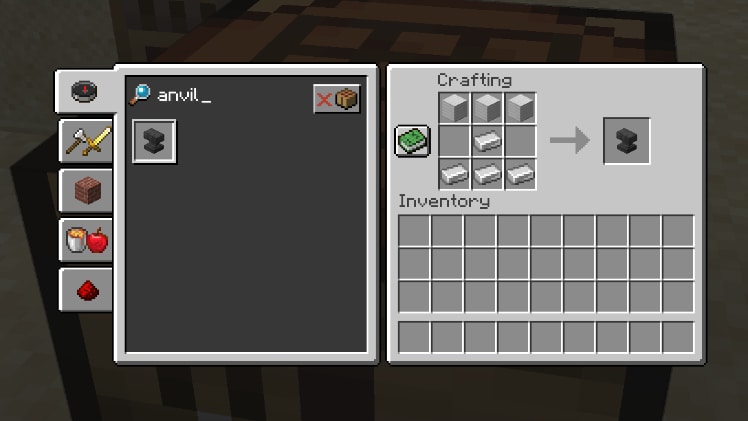
Mojang’s anvil guide describes repairs using appropriate materials, combinations of matching item types, and applying compatible enchanted books. A wooden pickaxe and an iron pickaxe are not matching items simply because both mine blocks.
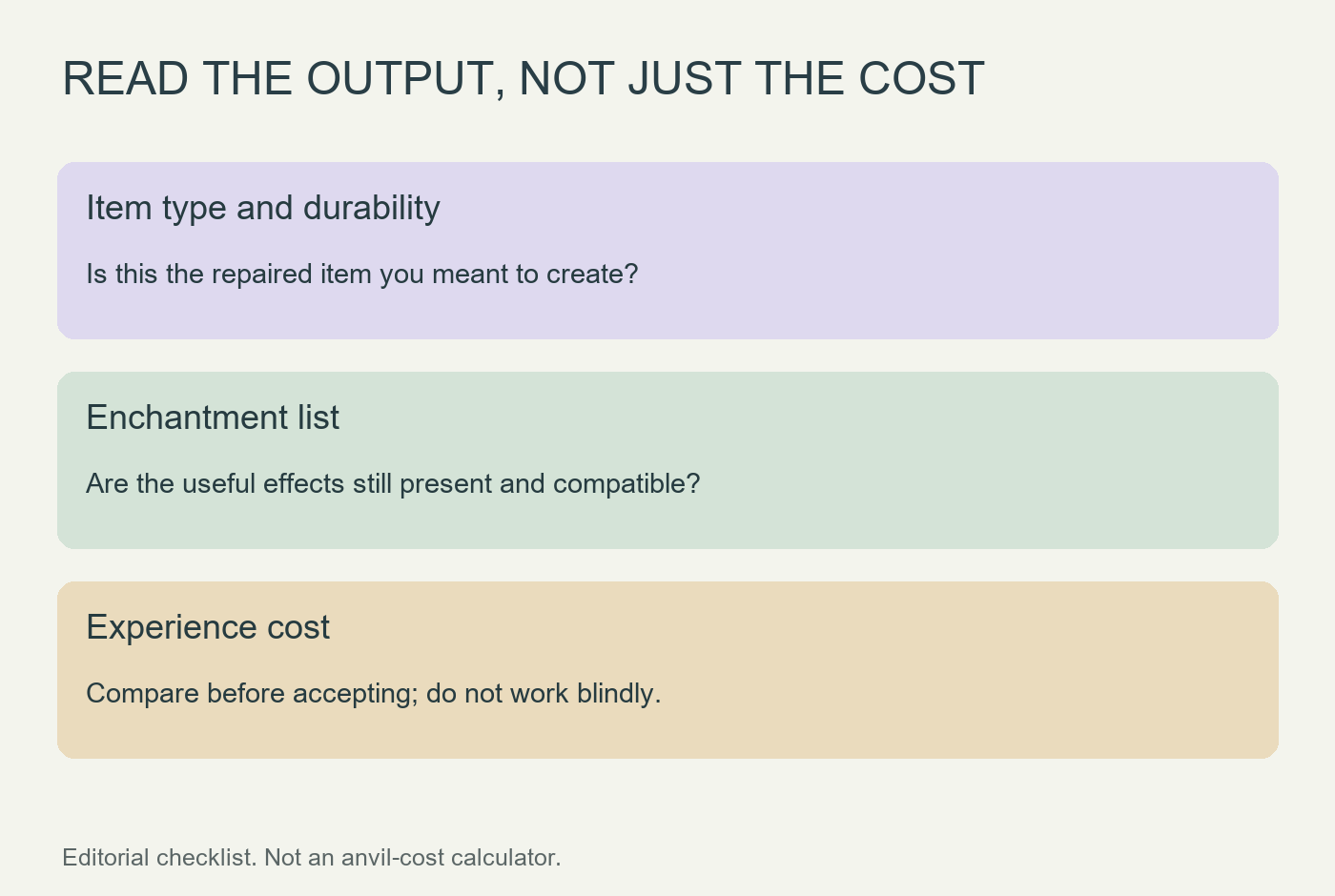
Put the intended inputs into the interface and examine the proposed output before taking it. Check the actual enchantments and durability shown, not just whether an output icon exists. When combining enchanted items, compare the available ordering without accepting either result until you understand the difference.
A grindstone is not a selective enchantment eraser
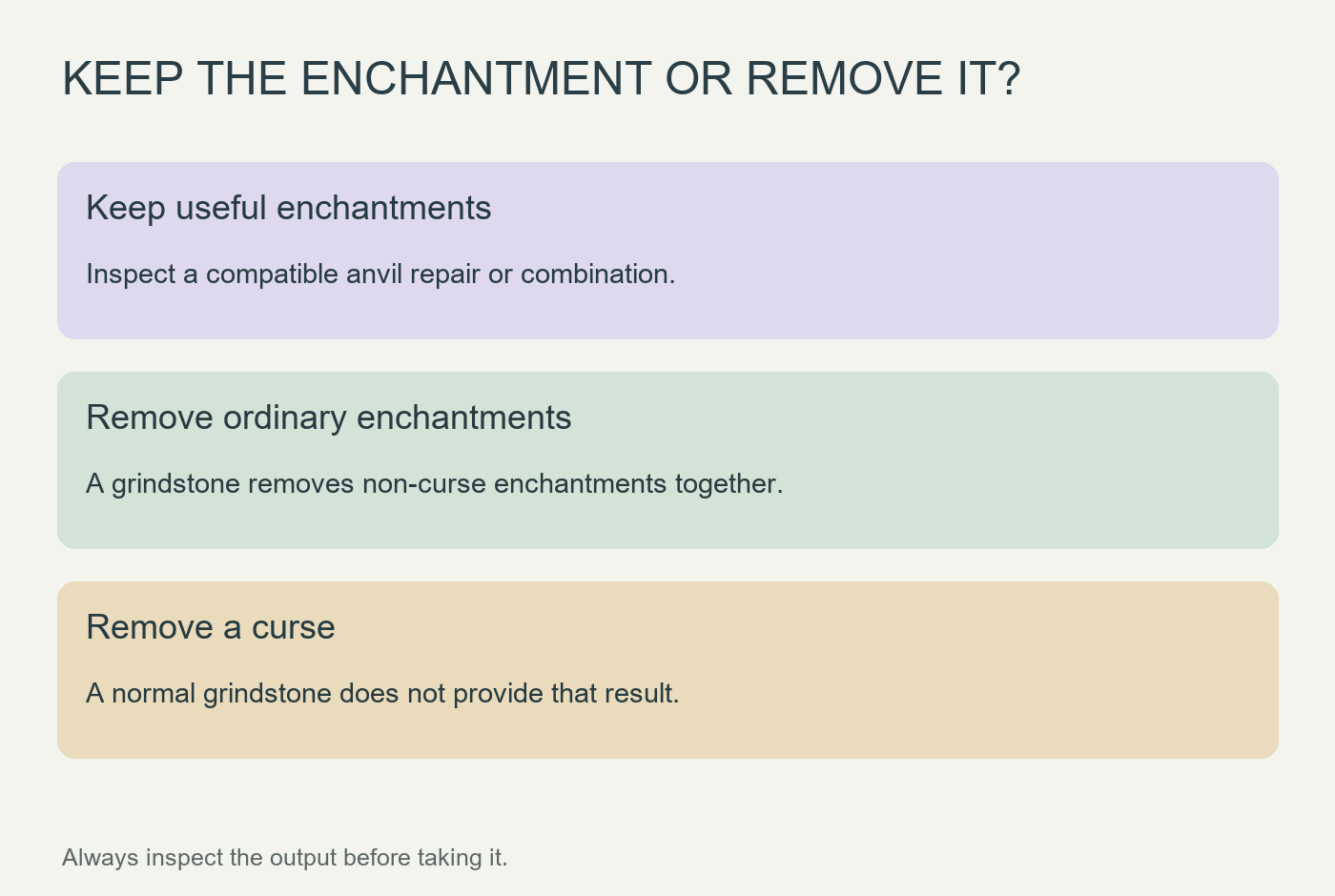
The Village & Pillage release notes describe the grindstone’s removal of non-curse enchantments and the experience returned for removing them. It does not let you remove one inconvenient ordinary enchantment while retaining the rest, and it does not remove curses.
That makes the tool useful when starting over is the intention. It is a poor fit when the item contains one hard-to-replace enchantment you still need. If the preview loses that effect, stop before taking the result; the lower apparent cost does not make it a better repair for your goal.
Repeated anvil work is a reason to plan ahead
Anvil costs can rise as an item accumulates prior work. Avoid a sequence of small operations performed without looking at the next cost. Mojang also suggests combining naming with other intended anvil work rather than treating every change as an unrelated visit.
This is not a universal cheapest-order calculator: books, levels, compatibility and the item’s history matter. For a valuable tool, write down the desired final enchantments, inspect the proposed combinations, and keep a plain replacement available for routine work while deciding.
Before accepting an output, ask three concrete questions: is it the right item, are the wanted enchantments present, and is the displayed cost acceptable? That brief check is more useful than choosing the workstation whose icon looks most like a repair tool.