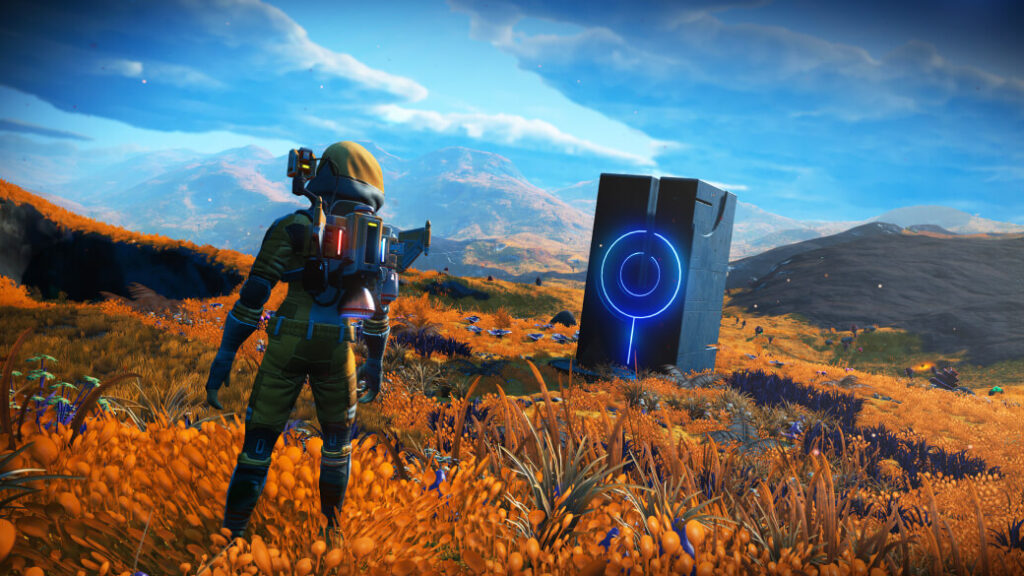
If you still enjoy exploring No Man’s Sky but dislike the chores between discoveries, identify the chore before restarting. Difficulty is not a single slider: survival upkeep, resource costs and combat can be separate decisions. This is a way to choose settings deliberately, grounded in Hello Games’ documentation. The official illustrations below are from Waypoint’s 2022 announcement and are labelled as such; they are not evidence of today’s menu layout.
| Your frustration | Setting family to inspect | Your experiment |
|---|---|---|
| Upkeep interrupts walking | Survival and resource management | Take a short exploration trip |
| Gathering delays a build | Crafting and economic costs | Try one small building project |
| Fights interrupt discovery | Combat challenge | Compare one encounter; keep other choices fixed |
Describe the interruption in one sentence
Start with a specific complaint: repeated recharging interrupts walks, gathering materials delays a building idea, or fights are preventing exploration. ‘The game is too hard’ does not tell you which part to adjust. Write down the activity you want to keep and the interruption you want to reduce. That separates a preference about time from a preference about challenge.
For example, a player who enjoys combat but dislikes collecting construction materials need not make every encounter easier. Conversely, someone who likes resource planning may only want less punishing fights. These are illustrative choices, not a prescribed best build. Your aim is to preserve the part you enjoy instead of replacing your whole experience with a different preset without understanding the change.
Use the available controls as separate decisions
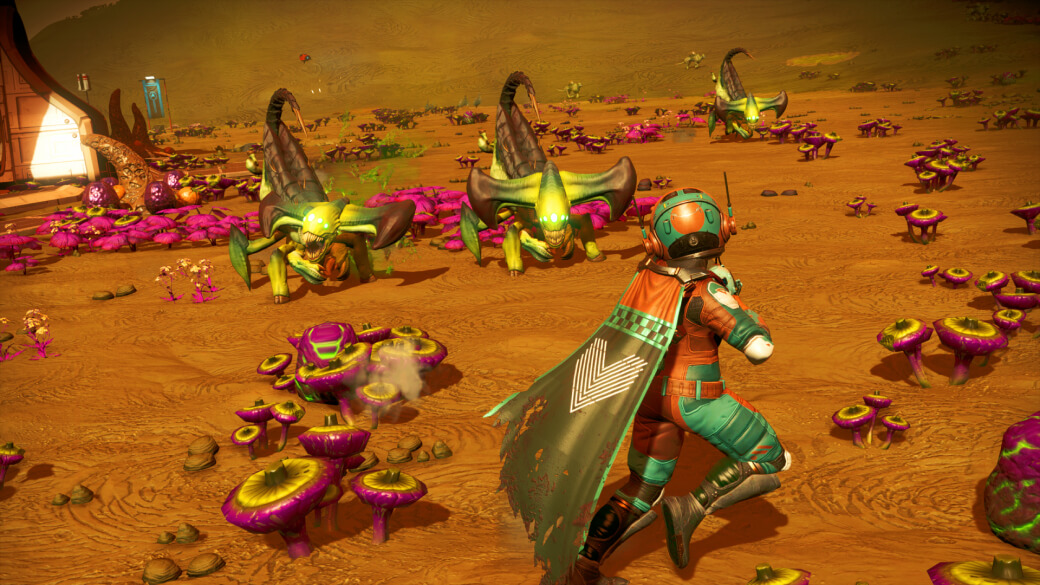
Hello Games’ Waypoint documentation describes custom controls for survival management, combat and economic costs, with most settings adjustable during play. Its Relaxed preset reduces danger and resource-management pressure. Check the options available in your own save and read their descriptions before applying them; special modes can impose restrictions.
Choose one control related to your stated problem and record its old value. Then try the activity that was frustrating you: a short exploration trip, a building session or an encounter. If several things change at once, it becomes harder to tell what helped. A short note such as ‘less time gathering, still enjoy planning the structure’ tells you more than merely deciding the session felt easier.
Do not lock a setup while you are still experimenting
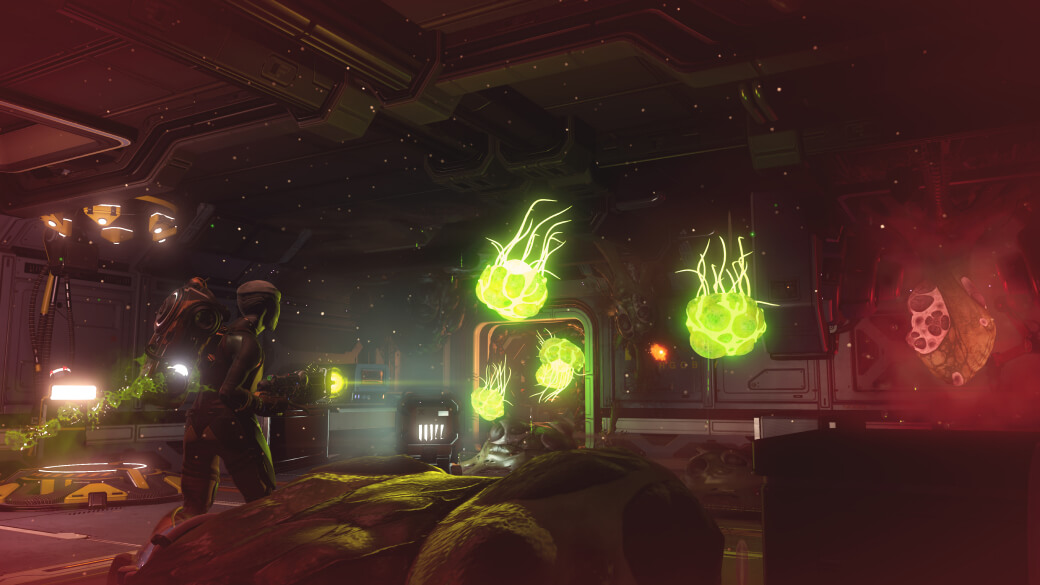
The official 4.04 patch notes introduced a permanent difficulty-lock option. Treat that choice differently from an ordinary adjustable preference. If you want to compare settings, leave the lock alone. Read any confirmation carefully rather than assuming every menu change can be reversed later.
If a setting is unavailable in your save, stop and investigate that restriction rather than starting to edit save files or promising yourself a workaround. Record the save mode and the message shown. This guide does not claim that a locked or special-mode save can be converted into an unrestricted one. A separate experiment is preferable to making an irreversible decision on a long-running save you value.
Keep challenge choices separate from technical problems
A difficulty option is not a general fix for a broken mission. For example, Hello Games’ Cosmos 7.04 notes describe a mission-specific correction involving Free crafting and an Atlantid Drive. That is evidence of a particular bug fix, not proof that every progress problem should be solved by changing costs. Check your build and the exact mission symptom against the current release notes.
After your experiment, keep or revert the change based on the activity you named at the start. For group play, also check the restrictions of the mode and platform you are actually using rather than treating a difficulty preset as a networking repair. A successful adjustment is one you can explain: what stopped interrupting you, what challenge remained and why you chose to keep it. That gives your next session a clear purpose without requiring a fresh start.