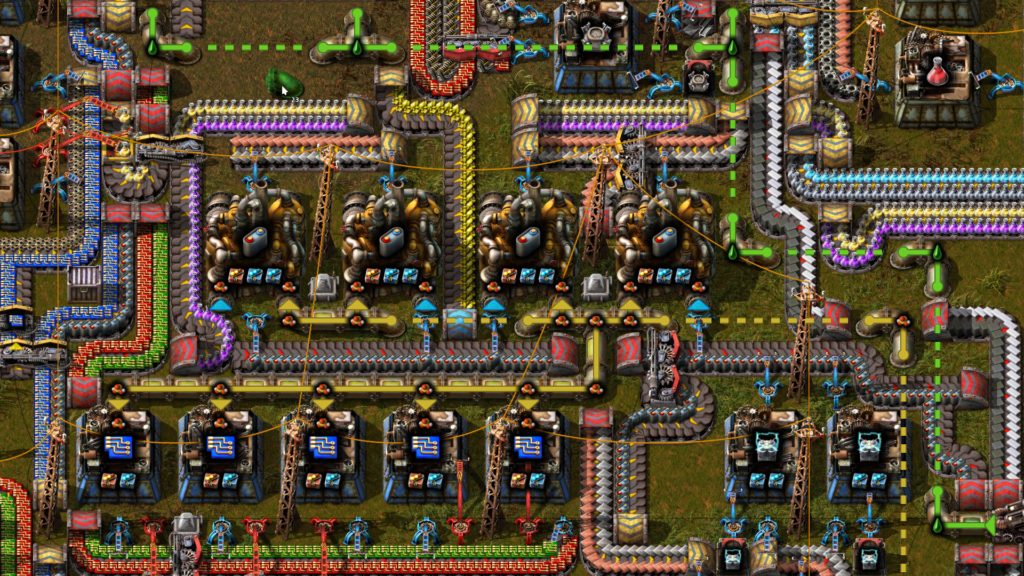
The refinery is working, the remote factory is thirsty, and adding another pipe changes nothing. In Factorio’s newer fluid system, a pipeline can stop because its connected area is too large. That is a different problem from a powered pump moving too little fluid.
Start with the warning, then inspect the boundary between the supply and the hungry machines. This guide concerns unmodded post-2.0 fluid mechanics and normal-quality pumps. It does not use the old pipe-length throughput tables or make claims about a modded fluid overhaul.
Read the highlighted network before counting pipes
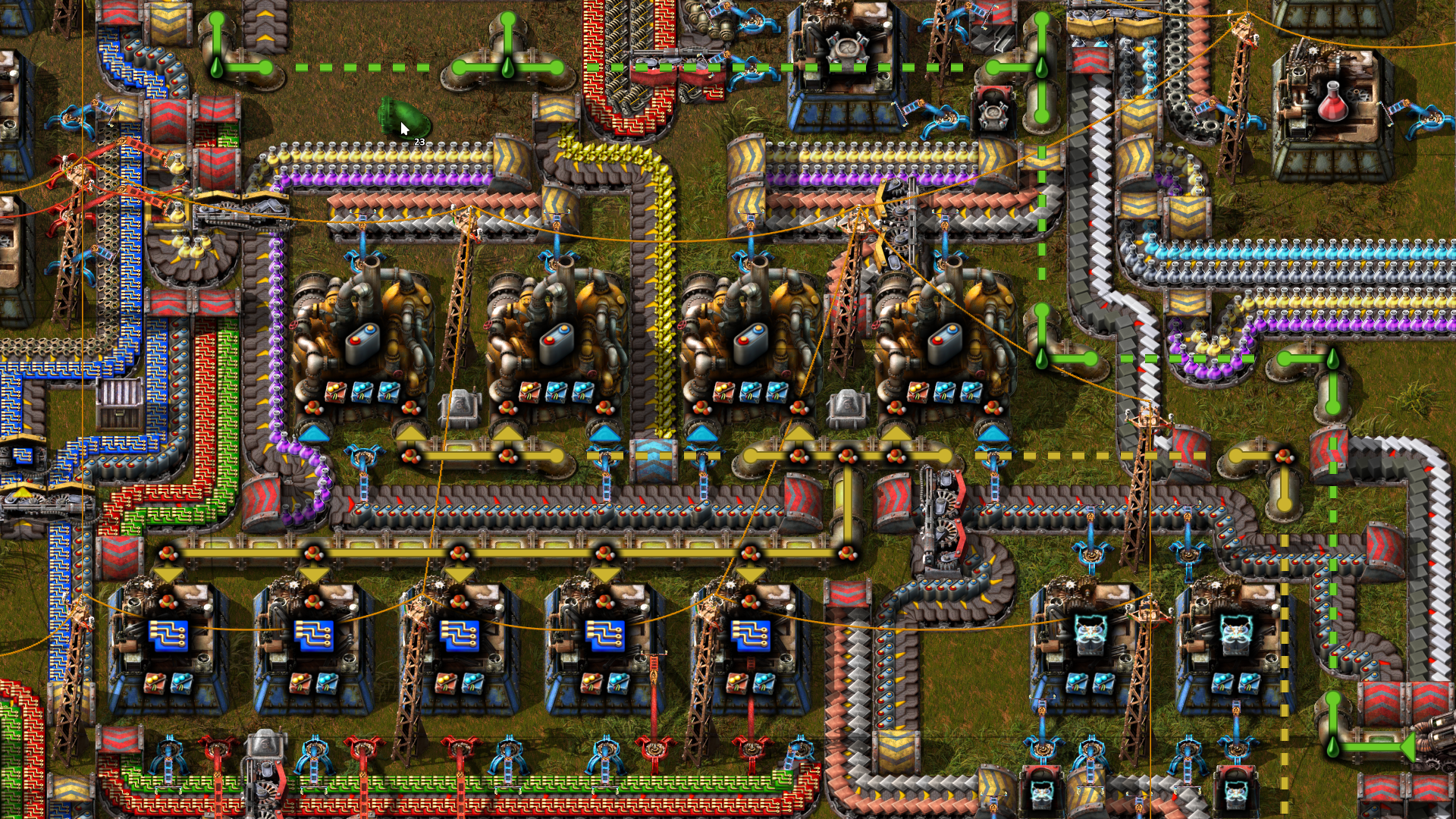
Hover over a pipe to inspect the connected segment. The relevant limit is its spatial extent, not the number of individual pipe items used to make a winding route. The current fluid-system documentation describes a 320-by-320-tile area limit. When a segment exceeds the permitted extent, it needs to be divided with pumps before fluid will flow.
This gives you a useful first question: did a new branch connect a distant installation to an otherwise working network? If the failure appeared immediately after that extension, examine the newly connected area before rebuilding the refinery. A loop of pipe is not a substitute for separating the segments.
There is a documentation trap here. The September 2024 development article pictured above described a 250-by-250 limit. That was a development-stage number. Its screenshots explain the visual feedback, while the current wiki supplies the later limit. Mixing the two produces an unnecessarily restrictive layout.
Place a boundary, then check whether it can actually pass fluid
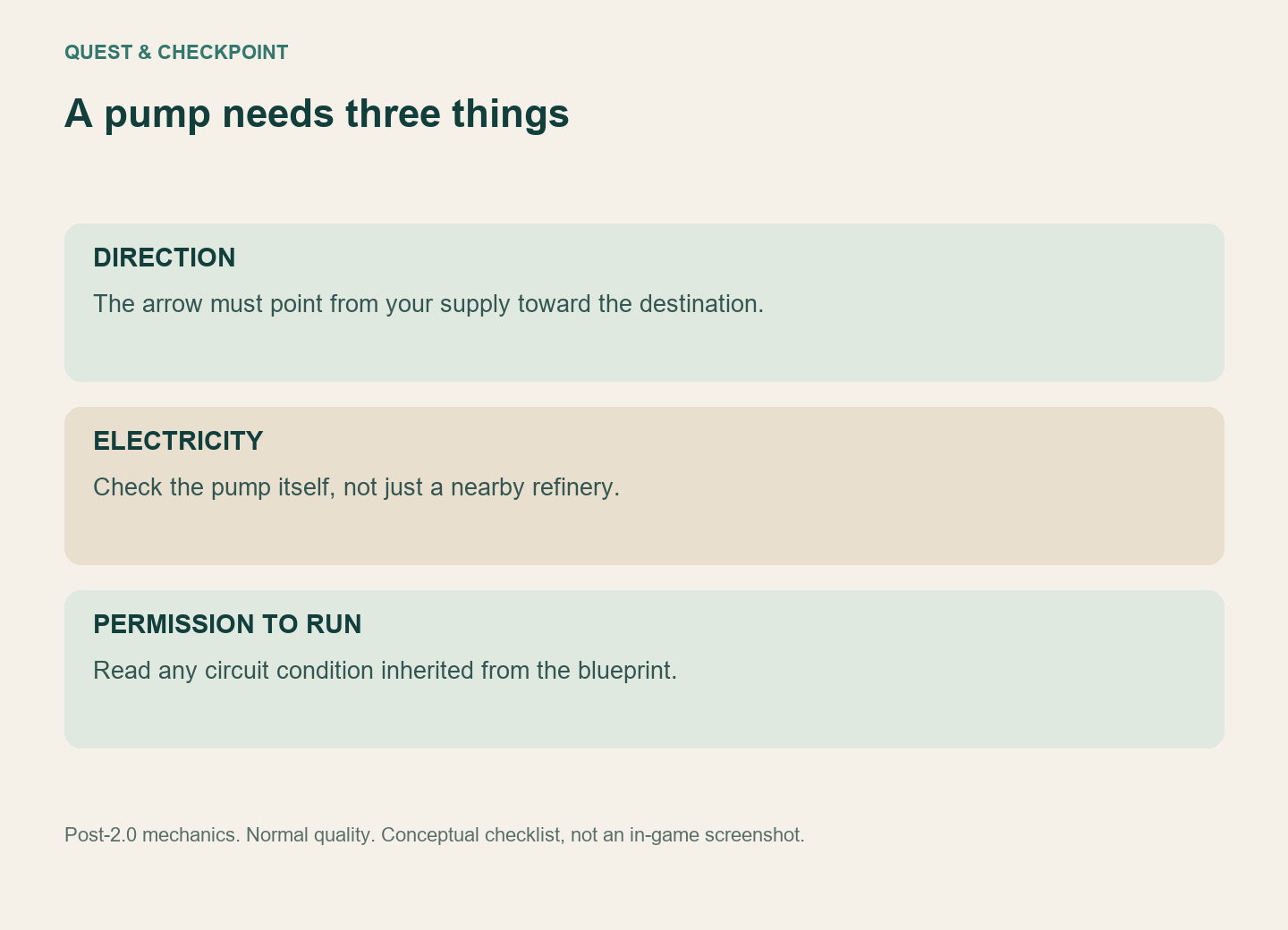
Use a pump to split the overextended segment and leave room for later branches. Then check both resulting sections. A pump placed near the source will not help if almost the entire oversized network remains on its output side.
At the pump, inspect direction, electrical supply and any circuit condition. A pump is a one-way powered device; an unpowered or disabled one is a closed boundary. Do not assume that the power pole serving the nearby refinery reaches the new pump too. If a copied blueprint brought a circuit condition with it, read that condition before adding another pump beside it.
Next inspect a consumer. If its input begins filling but it still cannot work, follow the missing ingredient or blocked output shown by that machine. Successfully transporting one fluid does not prove that every part of the recipe is available.
A valid pipe segment can still sit behind a bottleneck
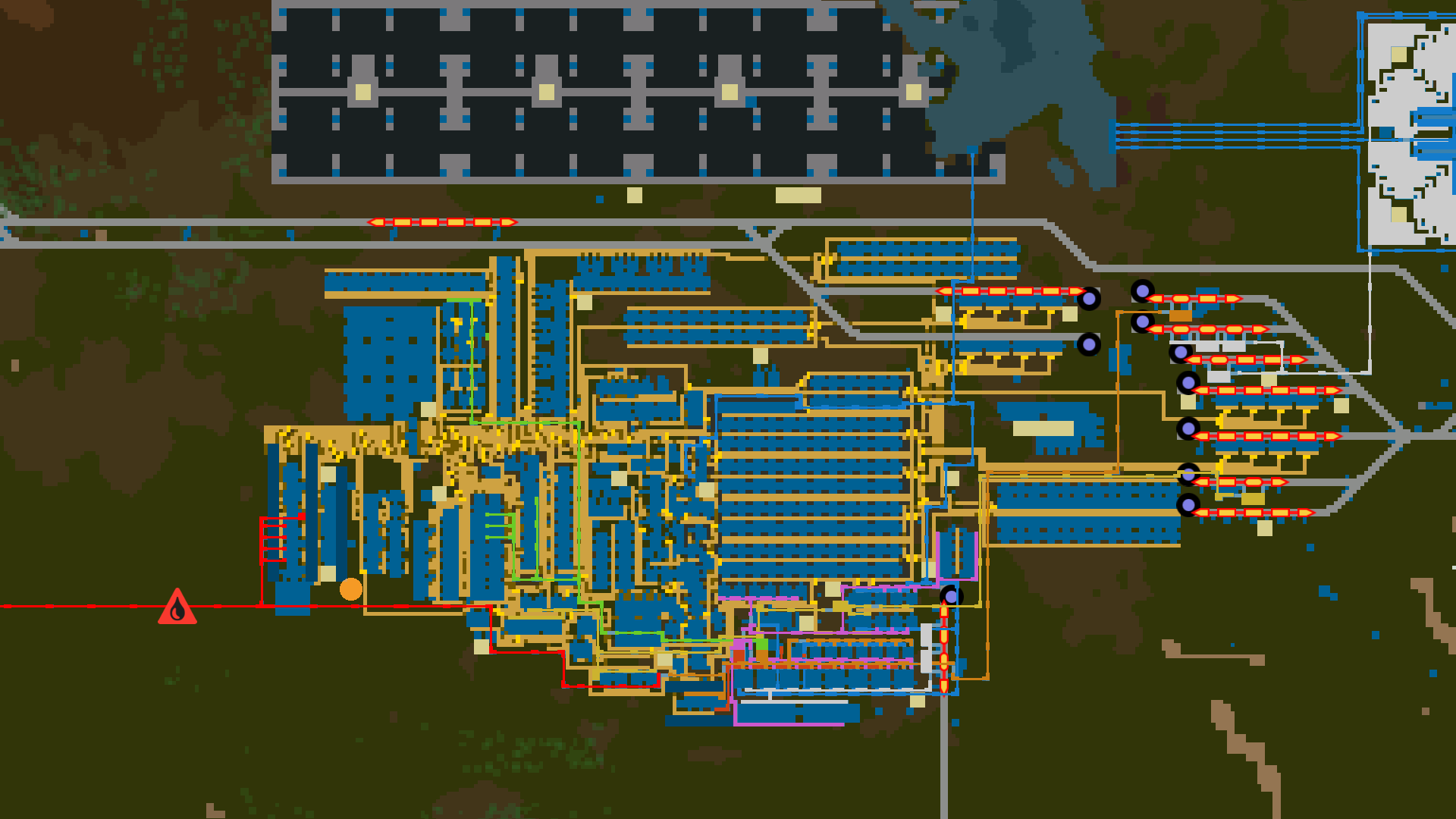
A normal-quality pump is rated up to 1,200 fluid per second. Two in series still pass through the same sequence of devices; they do not create a 2,400-per-second connection. Parallel paths can raise capacity, provided the supply and destination can support the flow. Actual throughput also depends on the fluid levels on either side.
For an illustrative demand of 1,800 units per second, one normal pump cannot cover the nominal rate. Two parallel pumps provide enough combined rated capacity on paper, but that arithmetic is only a capacity check. An empty source, a nearly full destination or inadequate production can still prevent the expected delivery. Watch the downstream machine after the change instead of counting pump animations.
Use the symptom to choose the repair
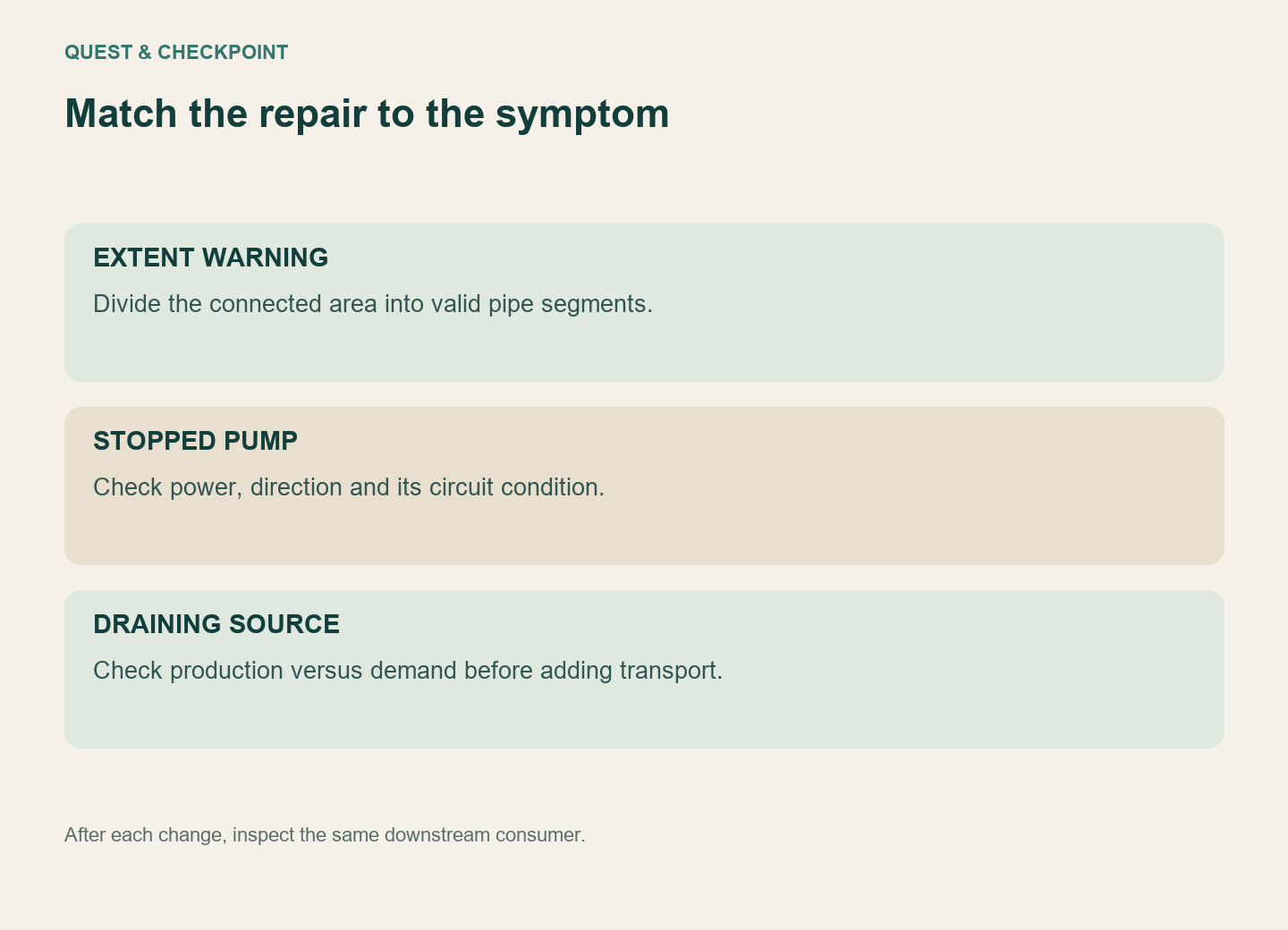
If the extent warning remains, fix segmentation. If the warning is gone but the pump is stopped, fix its operating condition. If the pump runs while upstream storage drains, compare production with demand before expanding transport. If the destination is already full, inspect the consumer rather than forcing more fluid toward it.
Save before dismantling a complicated layout, and change one boundary at a time. That leaves a clear answer to the useful question: which change restored the missing input? A longer line of pumps is harder to diagnose than a small number of deliberate, checked connections.