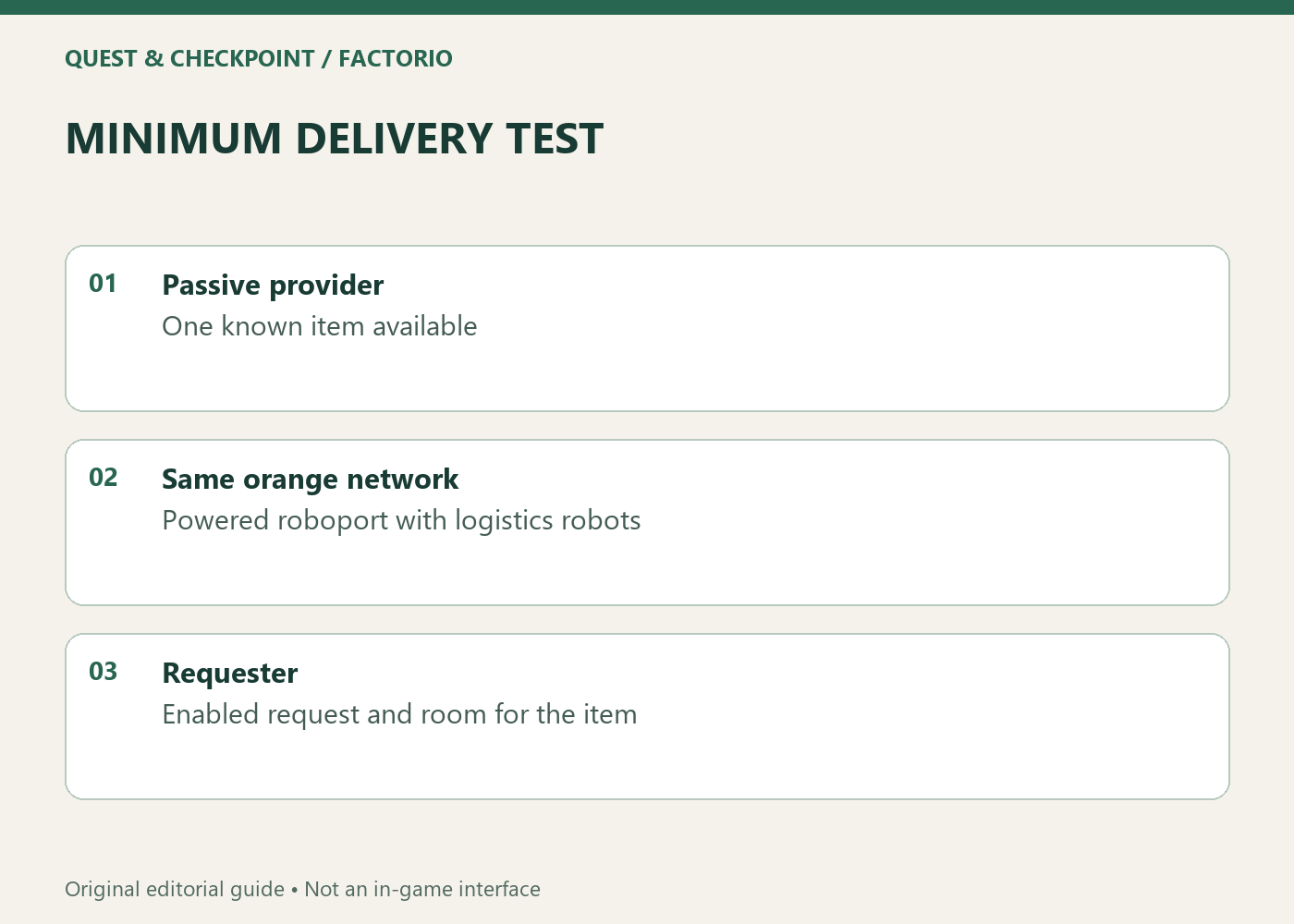
A chest full of items and an empty requester do not automatically mean you need more robots. The items must be available to the correct network, and the requester must belong to that network. Start with a minimal delivery path before expanding the fleet.
Prove that both ends belong to one logistics network
Inspect the roboport coverage at the provider and requester. The orange logistics area is the relevant coverage for routine logistics delivery; the wider green construction area is not a substitute. Two roboports belong to the same network when their logistics areas connect. Seeing both chests somewhere inside green coverage therefore does not establish that a delivery path exists.
Use a small test: one available item in a passive provider and a request for that item nearby within the same orange network. Observe whether a logistics robot takes the task. If this works, move outward through the original route and find where the assumption breaks. This is more informative than scattering additional roboports without checking whether they actually connect the intended areas.
Match the robot and chest to the job
Logistics robots move items between the relevant inventories; construction robots handle building and repair tasks. A roboport full of the wrong robot type cannot satisfy a routine chest request just by increasing the total robot count. Confirm the type before treating the fleet size as the issue. Then check whether the source is a provider or storage inventory accessible to logistics.
A normal chest beside an assembler does not offer its contents to robots. For a simple test, use a passive provider at the source and a requester at the destination. More specialized chest types are useful when you need their behavior, but mixing active providers, buffers and storage before a basic transfer works creates extra possibilities to diagnose.
Read the request itself, including shared settings
In the current logistics system, check the desired minimum, any maximum and whether the relevant request or group is enabled. Also inspect available space and item identity. A nearly correct item, a disabled group or a full destination can produce a problem that looks like robot inactivity. Use a single ordinary item for the diagnostic transfer so that the request is easy to recognize.
Named logistics groups can share settings across entities. Changing one because it looks wrong can affect other places using that group. Before editing a shared group, identify what else relies on it. For troubleshooting, a clearly separated test request is easier to reason about than a broad edit whose side effects appear elsewhere in the factory several minutes later.
Only then diagnose fleet and charging capacity
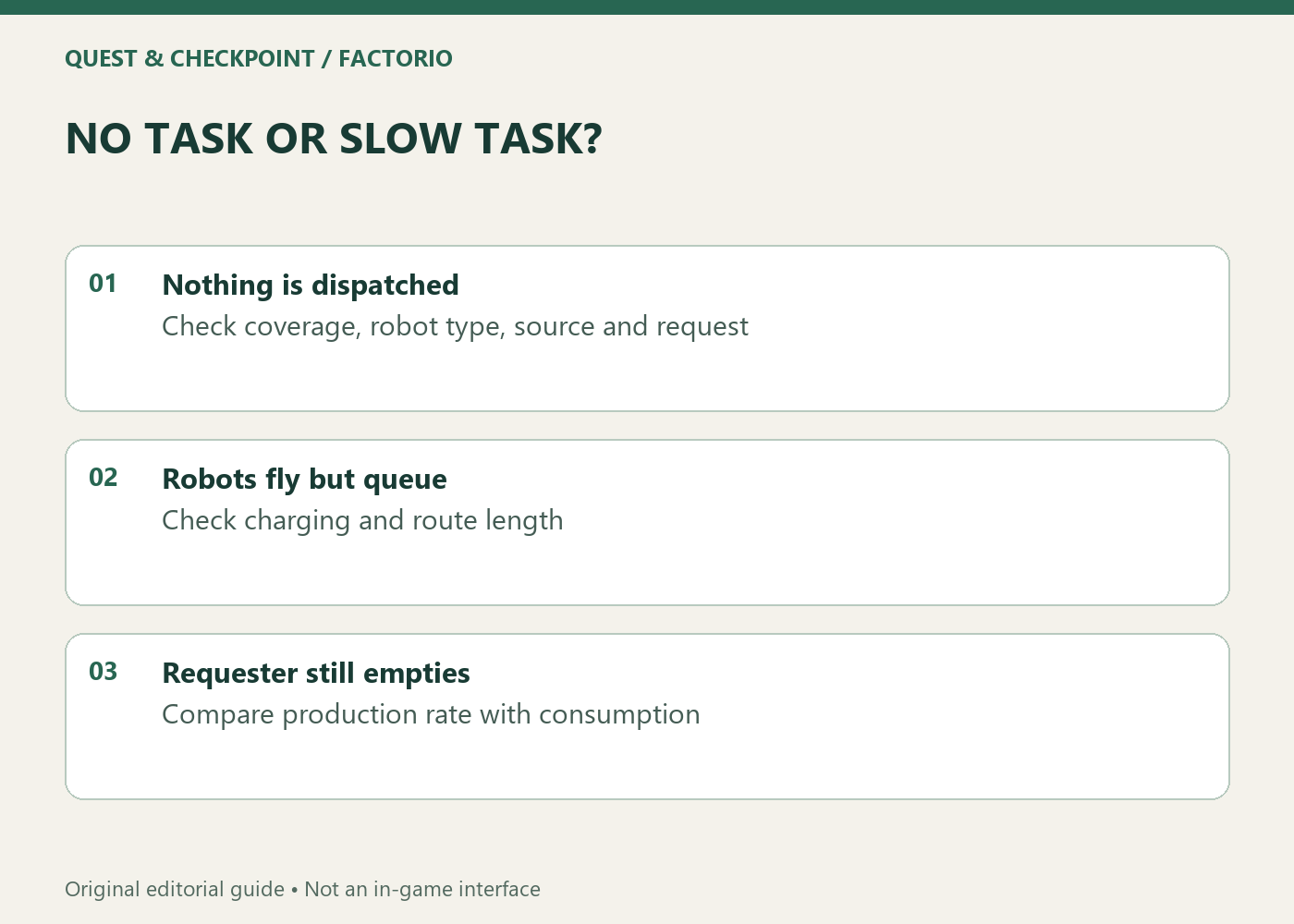
If the route and request are valid but deliveries are slow, watch working robots and charging queues. A busy network may need more charging capacity or shorter trips rather than simply more robots. Adding robots to a route with a severe charging bottleneck can increase the queue without providing the improvement you expected.
Measure the outcome at the requester over a stable period: does its inventory recover while its consumer runs? If not, inspect supply rate as well as transport. Robots cannot deliver items that the source never produces. Keep the final diagnosis specific, such as 'provider was outside orange coverage' or 'robots queued at one charging point.' That gives you a repair that can be reused without turning every logistics problem into a fleet expansion.