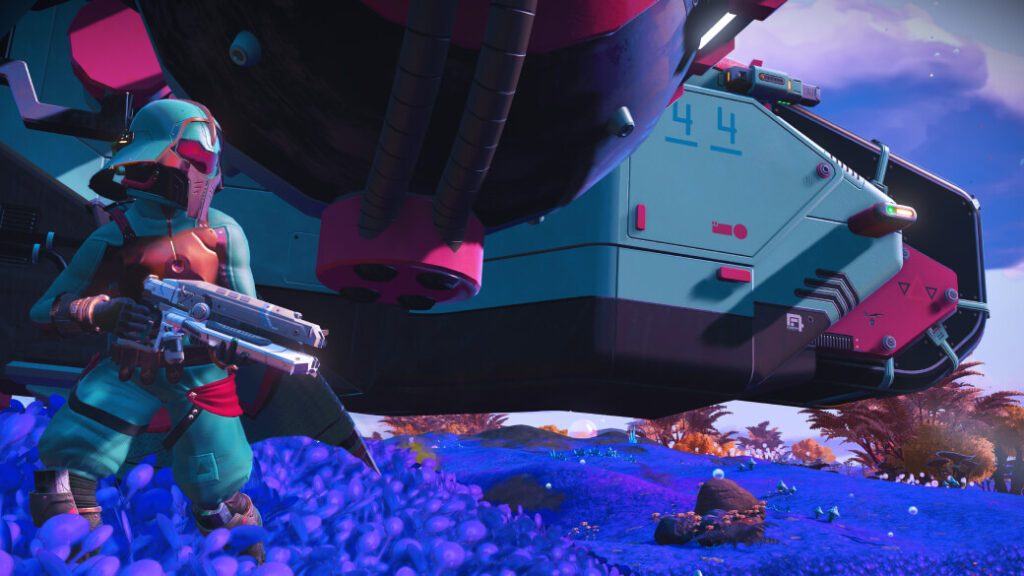
An expedition can be a side journey from an established save or a fresh start, depending on the entry route. Decide what you want to preserve, bring and return with. This explains the system introduced with Omega; it does not announce that the original Omega expedition is currently available.
Choose the relationship to your main save
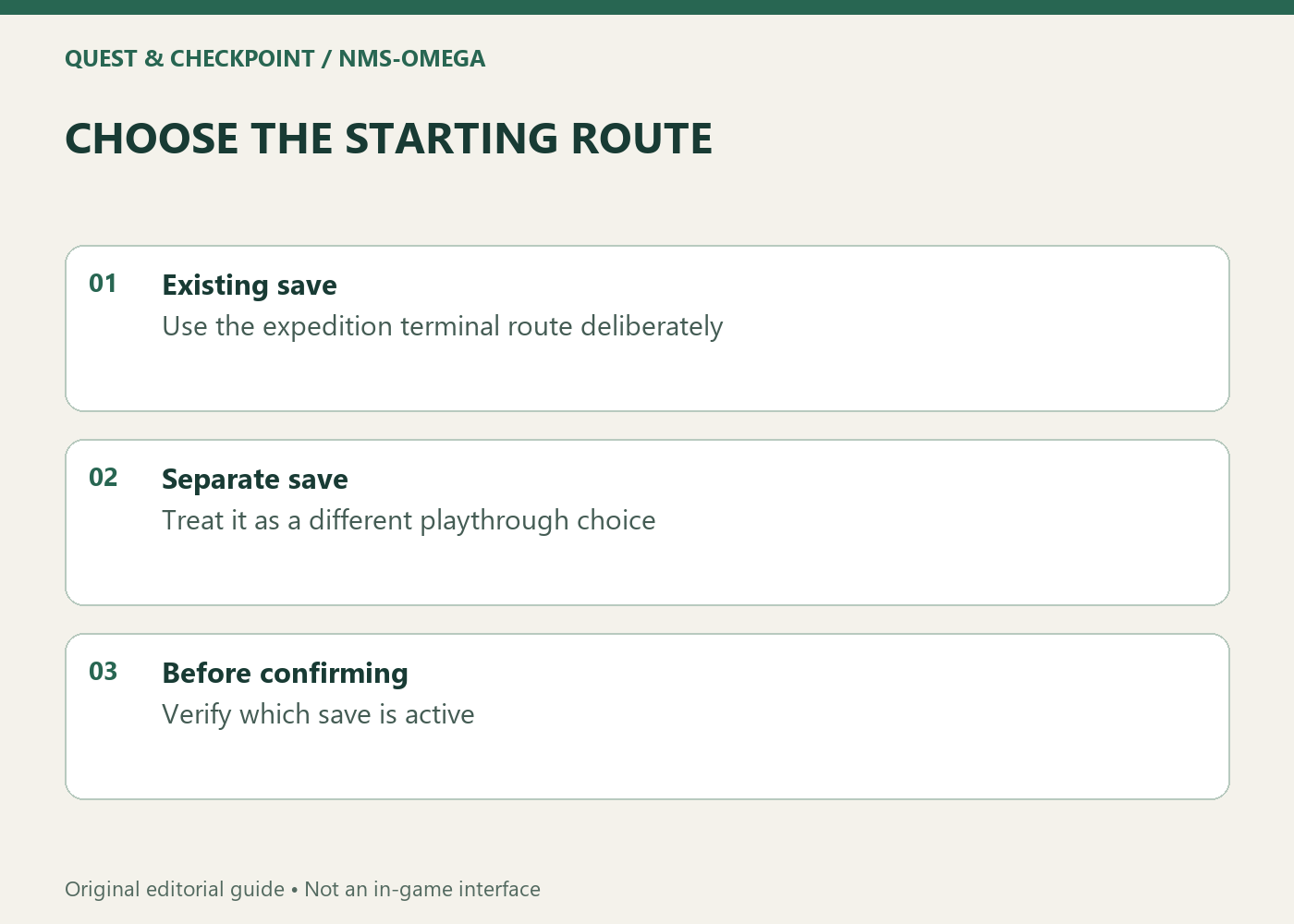
Hello Games documents an expedition terminal on the Space Anomaly that lets an existing save enter an expedition. Starting a separate new save is a different choice. Before selecting anything, identify which save you are using and whether you want the expedition attached to that ongoing playthrough.
Write one sentence: 'I want a temporary expedition from my main save' or 'I want a separate expedition character.' That makes menus easier to interpret. Do not use a guide's screenshot as proof you are in the intended save. Check your own selection and the current expedition screen, particularly if several playthroughs have similar names. The route should match the outcome you want.
Plan provisions as a small kit
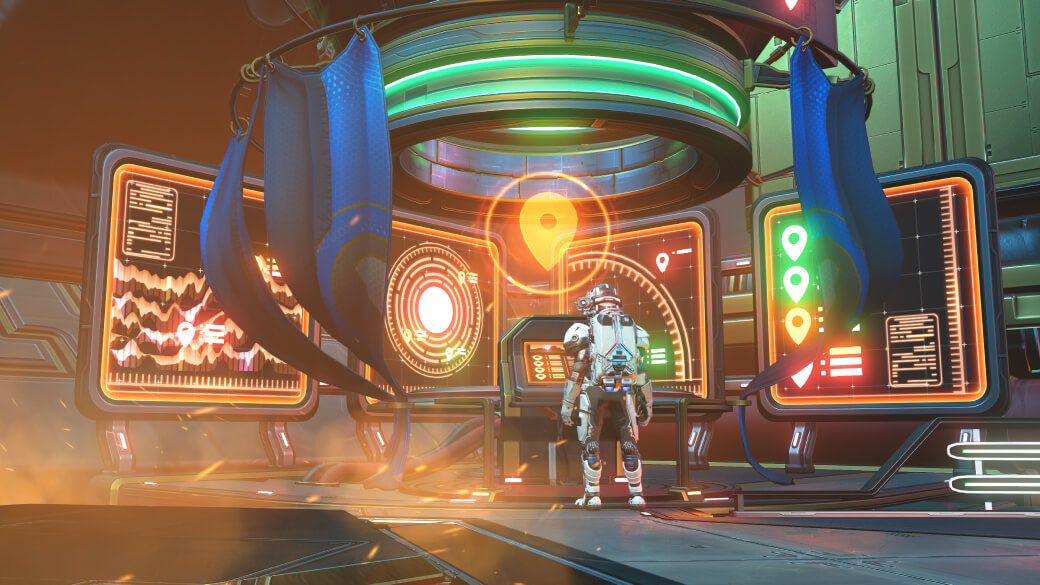
The existing-save route includes preparing expedition provisions through the terminal. The official explanation distinguishes technology and cargo transfers from carrying your entire main inventory unchanged. Inspect the slots and current instructions before committing items you care about. Read what the terminal actually offers in your version of the game.
Think in terms of a small purpose: materials for an early task, useful supplies or technology supporting your preferred approach. This is a planning method, not a guaranteed optimal loadout. Milestones and restrictions can differ. A kit copied from a previous event may be irrelevant, so read the active objectives before collecting a large stockpile. Avoid turning preparation into more work than the expedition itself.
Separate progress from collecting the reward
An expedition has its own objectives. Completing an objective, claiming its reward and making an account-wide reward available should not be treated as interchangeable actions. Read the relevant reward screen and follow the collection route indicated for that reward type. Check the current description instead of relying on a memory of an older event.
Keep a short record of the rewards you care about and whether each has been claimed. This prevents a rushed ending based on the assumption that every progress mark means everything has reached the intended save. It also distinguishes an unfinished milestone from an item-transfer question. If unsure, inspect the terminal and reward interface before ending the expedition.
Review the return screen before finalizing
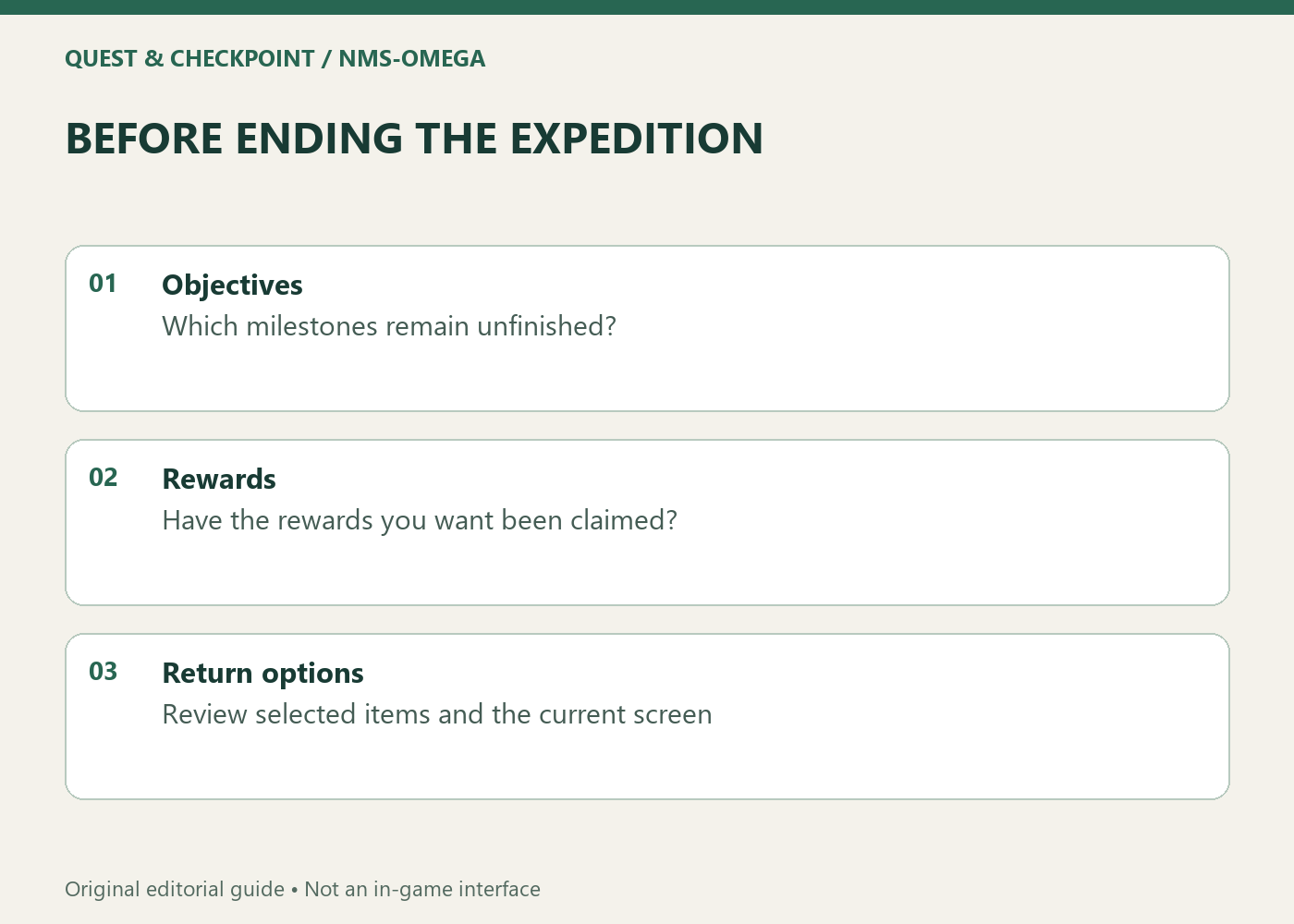
Omega's documented system provides a route back with selected items and technology, along with conversion and copying options described by the terminal. Treat that return as a review step. Check the screen for the transfer you intend instead of assuming every possession automatically follows unchanged. Leave enough attention for this step rather than finishing in a hurry.
Verify the active save, claimed rewards and selected return items. Tie these checks to the options in the expedition you are actually playing. The official images accompanying this guide show the 2024 system introduction; they are not evidence of today's active event or deadline. For availability, open the game's expedition selection or latest official announcement, and plan around the deadline displayed there.